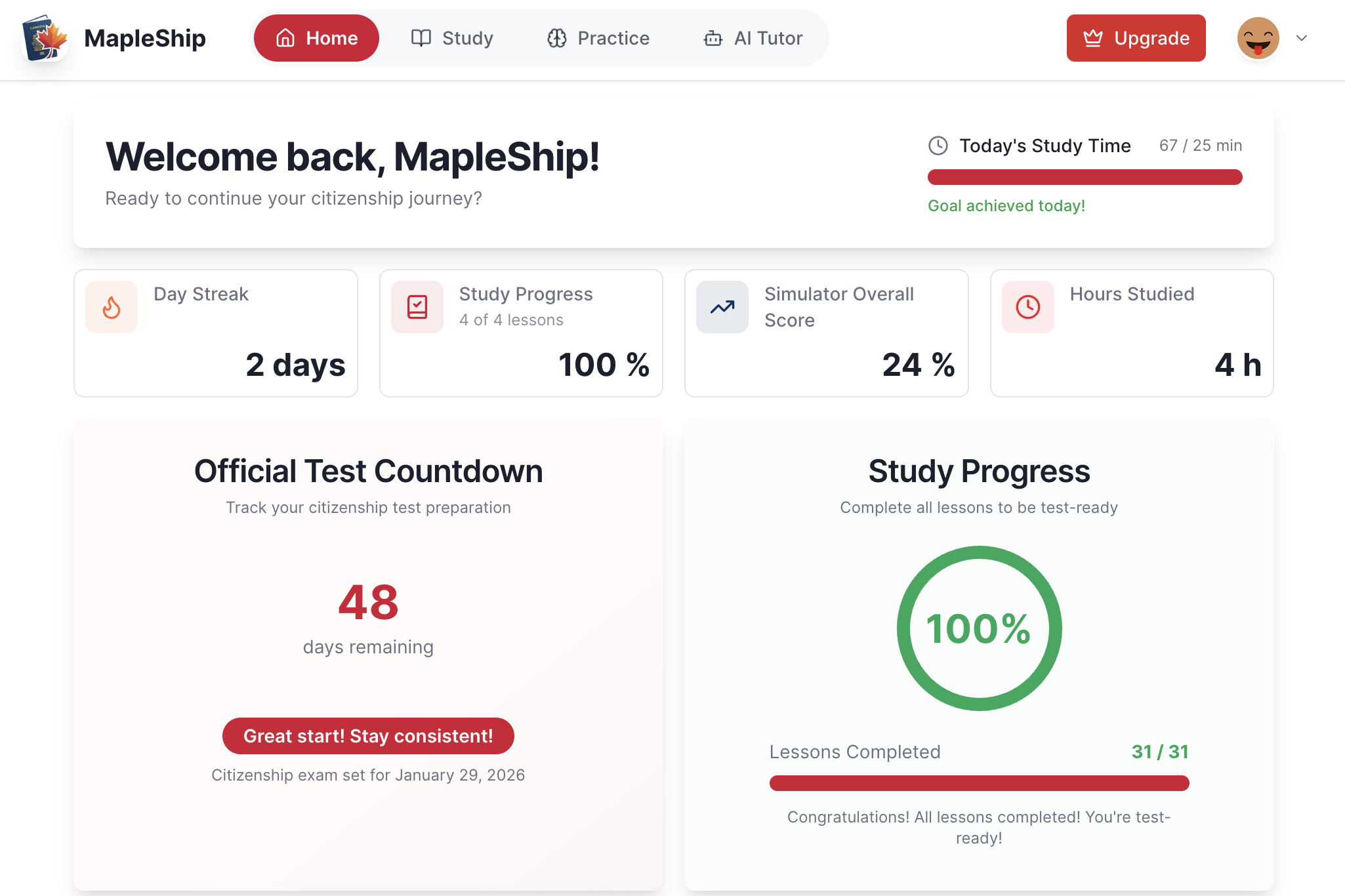
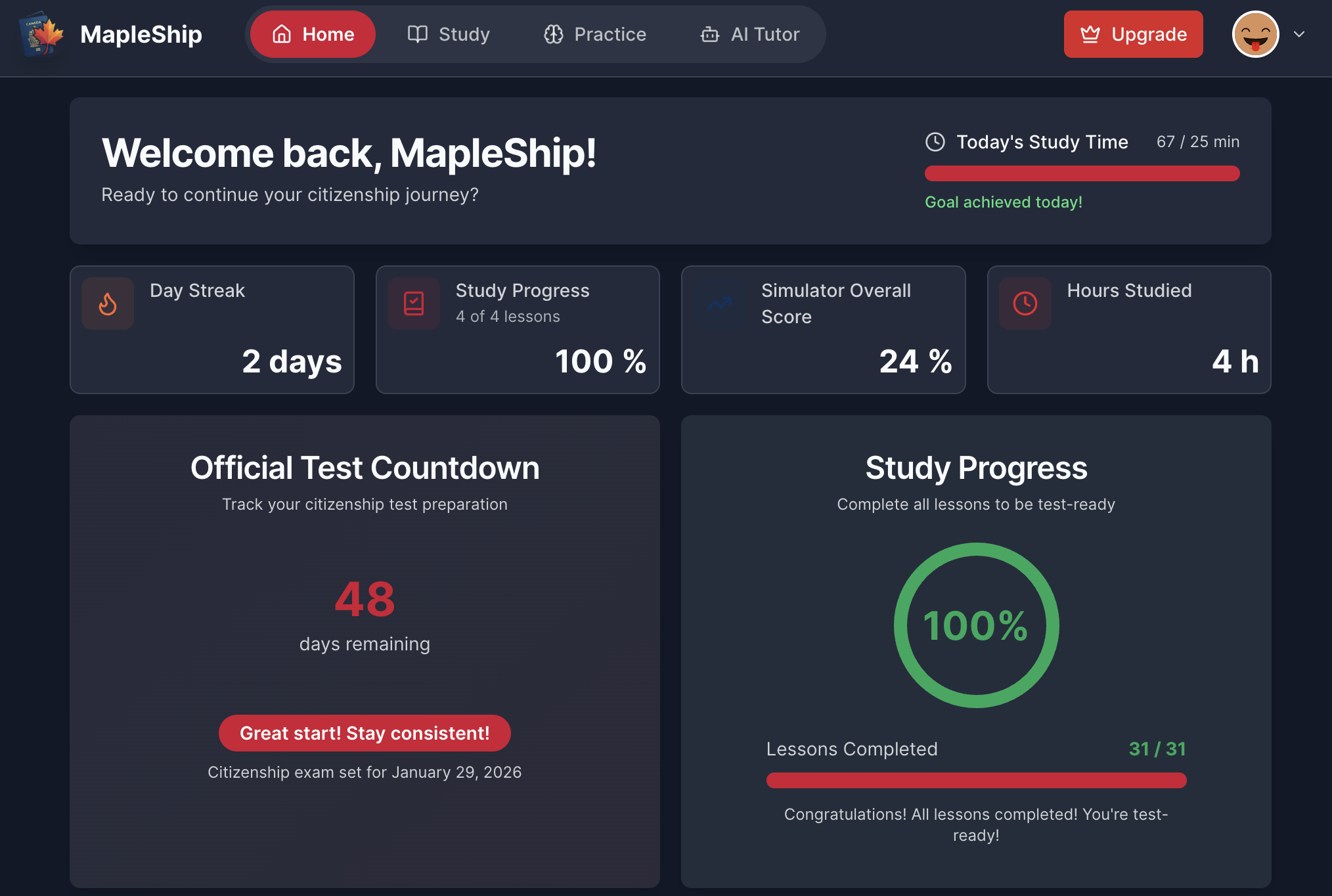
Personalized dashboard
Countdown, streak, lessons completed, simulator scores, hours studied, and a recent activity feed all land in one calm hero feed.
MapleShip is your companion for learning and practicing everything you need to learn to master for the Canadian citizenship test. Explore reference material, quizzes, flashcards, anthem & oath practice, and get help from our AI tutor — all in one place. No sign-up needed: open the portal and start instantly, and your progress saves automatically as you get ready for test day.
Official Discover Canada content
Responsive + dark/light modes
Android app available
Free beta · no credit card
No sign-up — progress saves automatically
Built on trusted sources
Lessons, historical references and dates, and official study materials so you study the exact material you need.
No sign-up needed
Open the portal and start practicing instantly. Progress saves automatically, with optional free account sync across devices later. Free beta, no credit card. As a beta product, content is actively updated and occasional errors may occur.
Pro features are free during early access — enjoy unlimited quizzes, flashcards & more.
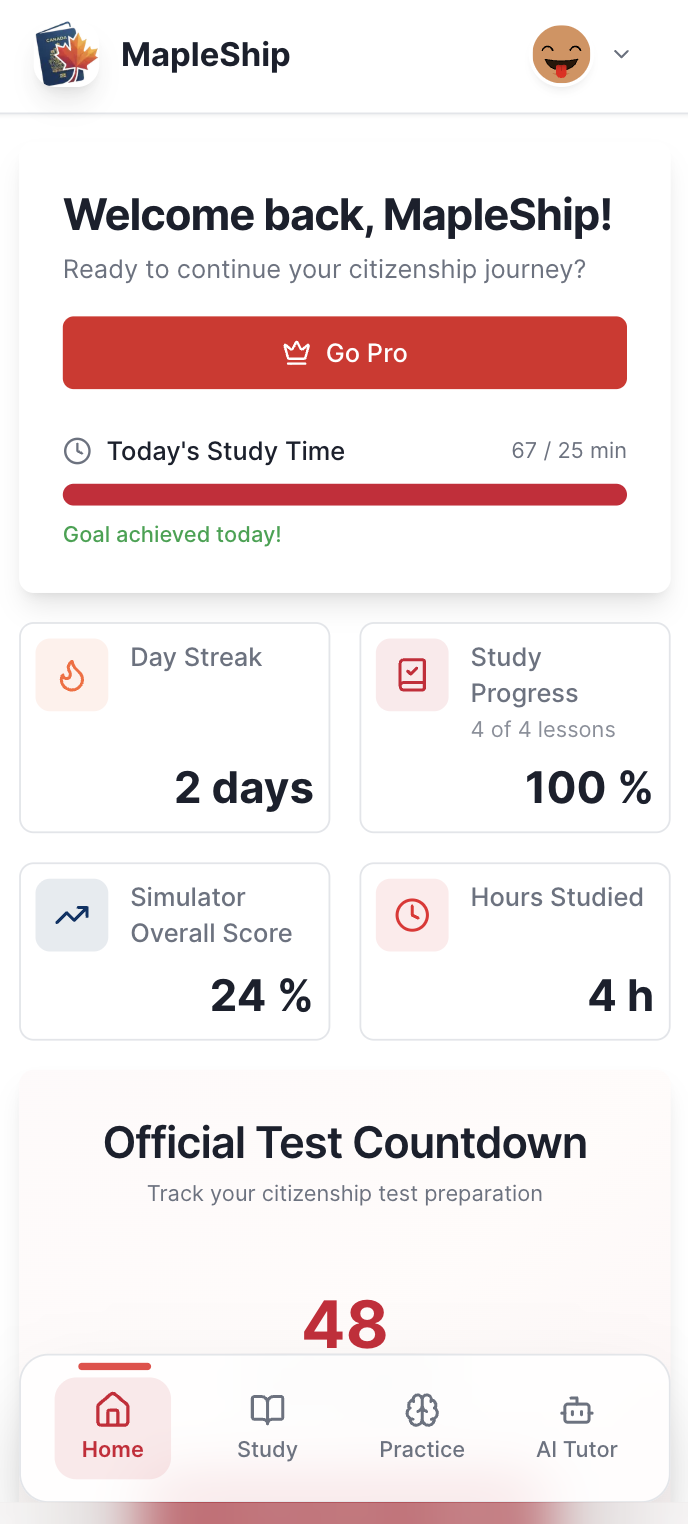
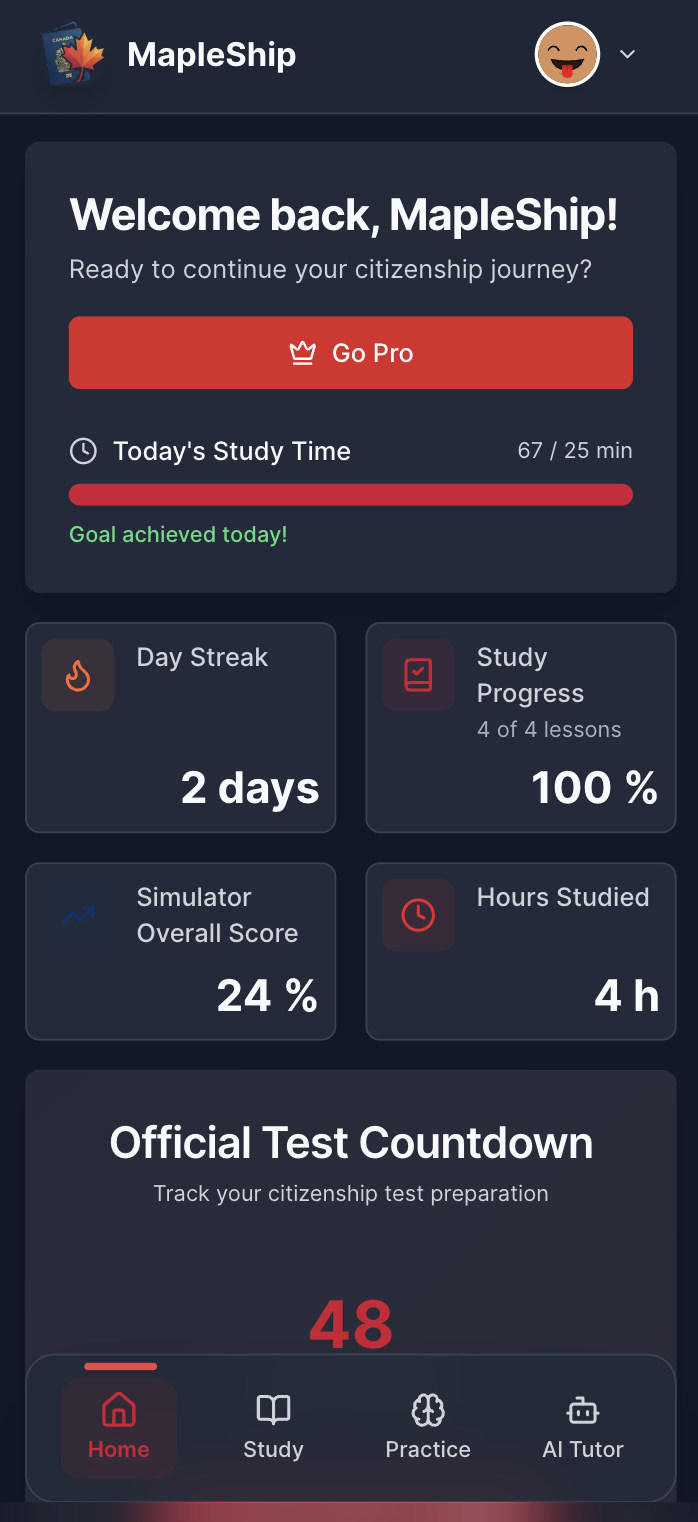
Countdown, streak, lessons completed, simulator scores, hours studied, and a recent activity feed all land in one calm hero feed.
Walk through chapters with Explore, Saved, and Events tabs, plus bookmarks, AI bullet points, and text-to-speech reading modes.
Jump between topic quizzes, configurable flashcard runs, anthem + oath drills, and the test simulator and see every score logged instantly.
How it works
Read the official guide, practice immediately, and use analytics + AI to lock the facts in.
Step 1
Work through every chapter inside MapleShip with bookmarks, optional AI summaries, and reading-friendly layouts when you want a faster refresh.
Step 2
Review your quiz scores and streaks to spot which sections need another pass.
Step 3
Jump from a chapter into topic quizzes, flashcards, anthem + oath drills, or the simulator to reinforce the same concept immediately.
Study pillars
MapleShip keeps the essentials in one workspace so you can move from reading to practice without losing time.
Your welcome screen shows streaks, countdowns, and a linear learning itinerary so you always know what is next.
Pick a mode that fits your energy—micro quizzes, flashcards, anthem/oath drills, or the full simulator.
History cards, text-to-speech lessons, and the AI tutor keep every topic sticky and conversational.
Explore more
We moved the detailed walkthroughs to focused pages so mobile visitors get a faster, clearer first impression.
See the dashboard, quizzes, flashcards, anthem drills, and simulator in action.
Explore featuresUnderstand the read → practice → review steps that keep the learning path MapleShip follows focused.
View the study flowQuick answers about the free beta, mobile app, and how progress is tracked.
Read FAQsEnter the portal, follow the plan, and swap between reading, quizzes, anthem drills, or the simulator to check your score before the real exam.

No sign-up needed — progress saves automatically